Prototyping & interaction
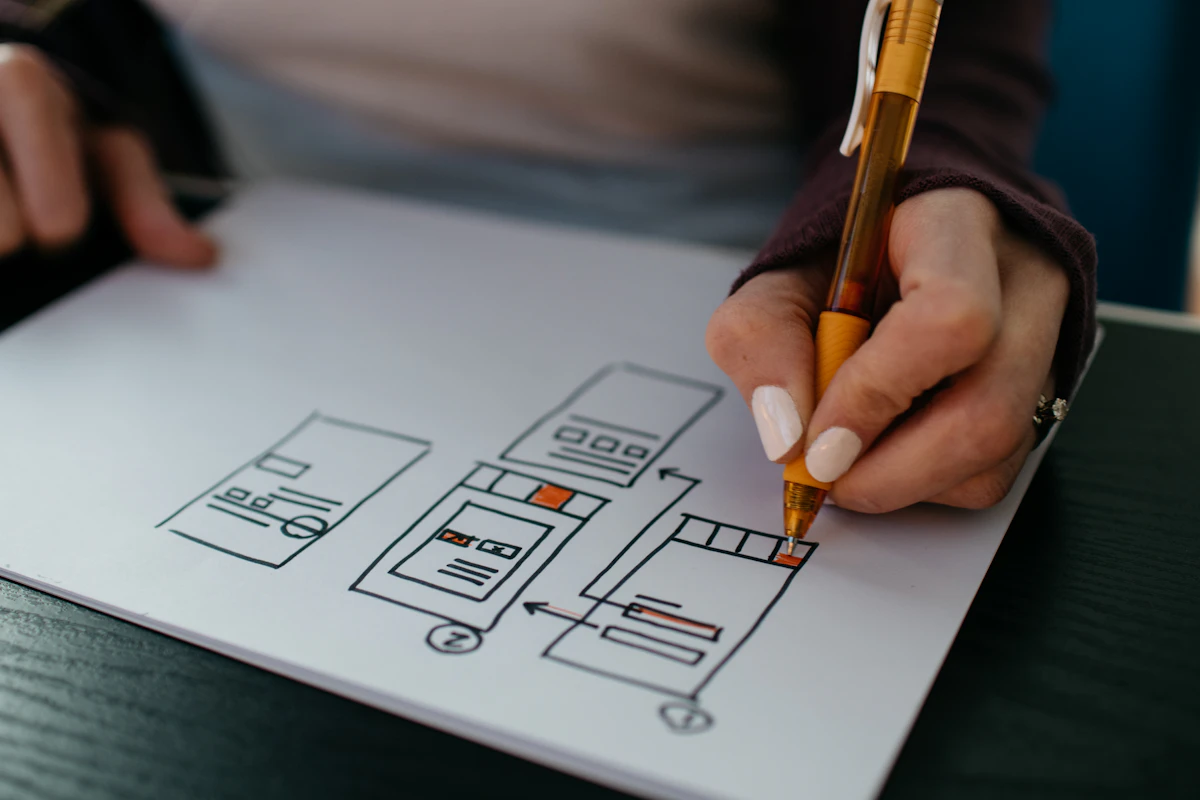
Show how a product should behave before the full build begins. I connect key screens into a testable flow, then use the prototype to find gaps and improve the interaction.
01 — Make it tangible
Test the experience, not a static screen
A prototype lets someone follow a task, notice a missing step, and react to the product as a connected experience. It gives the team something concrete to learn from.
I focus the prototype on the questions that matter, rather than simulating every part of the finished product.

02 — Prototype details
Make the important behavior visible
- Primary journeys and their alternate paths.
- Navigation, transitions, and feedback after an action.
- Loading, empty, error, and confirmation states.
- Responsive behavior for the most important breakpoints.
- Notes that connect a tested flow to implementation.
03 — Learn and refine
Resolve uncertainty before it becomes rework
Use the prototype to check whether labels make sense, whether the flow feels complete, and whether the interface communicates what just happened.
Findings can update the screen design, product scope, or implementation plan while change is still manageable.
04 — Continue the work
Connect behavior to the product
UX research — ground the prototype in user context.
Frontend development — carry tested interactions into a working interface.
Try the flow early
Have an interaction to test?
Share the task, the open questions, and what the prototype should help your team decide.
Talk about prototyping